In today's digital age, the need for efficient document management has become more critical than ever. Many individuals and businesses often find themselves struggling with the cumbersome task of editing physical documents. This is where Optical Character Recognition (OCR) technology comes into play, offering a solution to streamline the process and enhance productivity.
What's OCR?
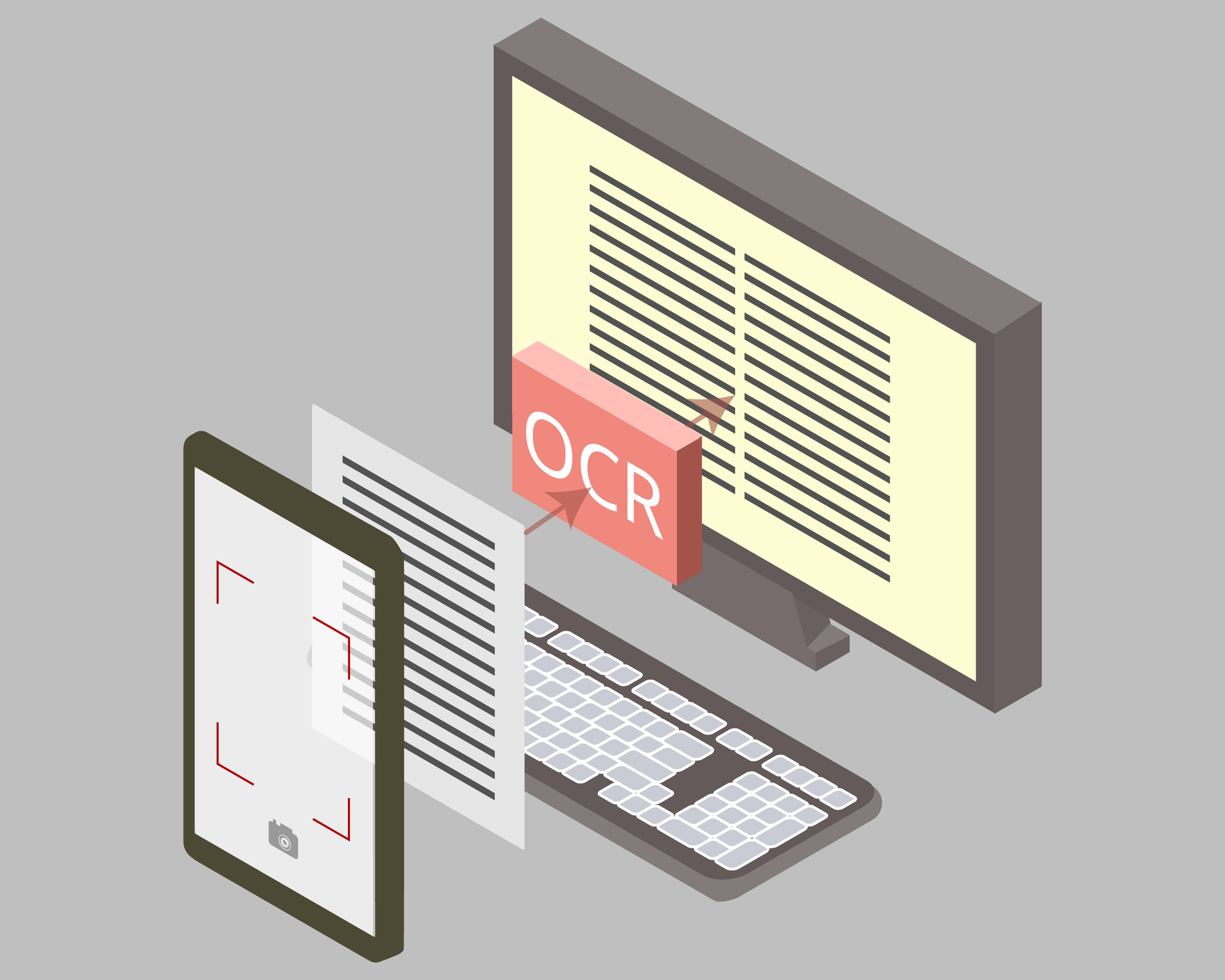
OCR is a technology that enables the conversion of different types of documents, such as scanned paper documents, PDF files, or images captured by a digital camera, into editable and searchable data. By recognizing text within these documents, OCR software allows users to extract, edit, and manipulate the content digitally. This technology finds applications in various industries, including finance, healthcare, legal, and education, where the need for accurate and efficient document processing is paramount.
Tiny Scanner: One of the Leading OCR Solutions
Tiny Scanner, a cutting edge product that leverages, AI powered features to deliver exceptional performance. With its advanced algorithms and intuitive interface, Tiny Scanner offers users a seamless experience in converting physical documents into digital formats, such as PDF, TXT and WORD.
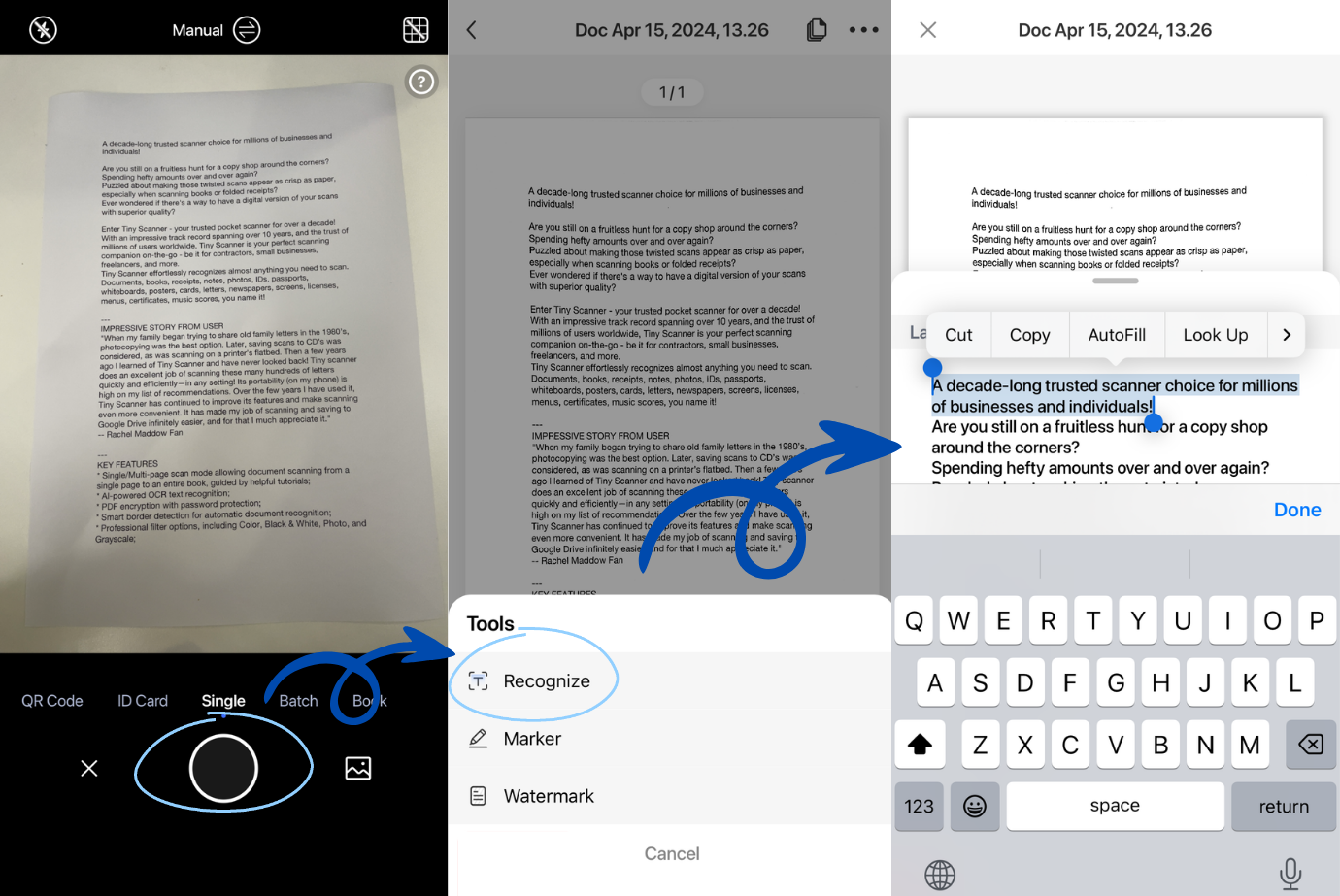
Step 1: Scan Document
The first step involves scanning the physical document using the Tiny Scanner app. Users can either capture an image using their smartphone camera or upload an existing file to initiate the OCR process.
Step 2: Text Recognition
Once the document is scanned, Tiny Scanner's OCR engine goes to work, recognizing and extracting text from the image. The software employs sophisticated algorithms to accurately identify characters and convert them into editable text.
Step 3: Editing and Saving
After the text is extracted, users can easily edit and manipulate the content as needed. Whether it's correcting errors, formatting text, or adding annotations, Tiny Scanner provides a range of editing tools to enhance the document. Once the editing is complete, users can save the document in various formats, such as PDF or Word, for further use.
Is Tiny Scanner Software Secure?
Yes, Tiny Scanner prioritizes data security and employs encryption protocols to safeguard user information. Additionally, the software adheres to strict privacy policies to ensure the confidentiality of user data.
In conclusion, AI powered OCR technology, exemplified by products like Tiny Scanner, has transformed the way we interact with documents. By automating the process of text recognition and digitizing content, OCR solutions offer a convenient and efficient way to manage documents. Whether it's for personal use or business applications, integrating OCR into your workflow can significantly boost productivity and streamline document editing processes. Embrace the power of AI powered OCR and unlock a world of possibilities in document management.