


Sign PDF Online for Free
Add your signature to any PDF in seconds with Tiny Scanner. No sign up, just upload, sign, and download.

Your privacy is protected by Tiny Scanner. Files are automatically deleted after processing.


Get the Full Power on Your Phone
Download Tiny Scanner to edit PDFs
wherever you are.




How to Sign a PDF Online
Follow these steps to add signature to your PDF
- 1.
Click "Select a PDF" or drop your file into the drop zone.
- 2.
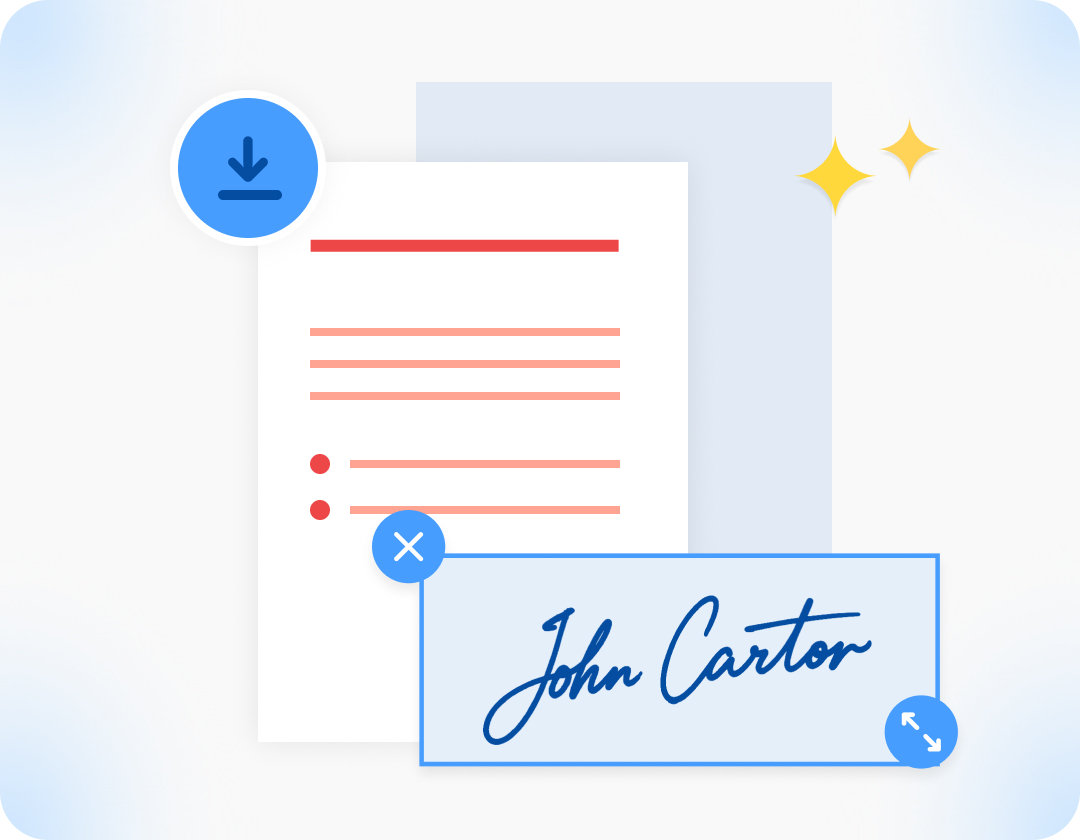
Draw your signature and place it anywhere on the document.
- 3.
Click "Download" and wait a moment while we process your file.
Why Use Tiny Scanner to Sign PDFs?

No Subscription Needed
Sign any PDF for free right in your browser. No sign-up, no subscription, no catch.
Protect Your Privacy, Always
Documents are encrypted and automatically deleted from our servers after processing.
Your Signature, Your Way
Draw your signature. Adjust thickness, color, and size, then drag to position.

Work Across Devices
Sign PDFs in any browser, or use the Tiny Scanner app on your iPhone or Android to sign, scan or manage documents on the go.
FAQ on PDF Signing
Q: Is signing a PDF online legally binding?

A: In most countries, electronic signatures are legally recognized for everyday documents such as contracts, agreements and forms. For documents that require a certified digital signature with identity verification, a more formal signing solution may be needed.
Q: How do I sign a PDF without printing it?
A: Just upload your PDF to our free online tool, add your signature digitally and download the signed file. No printing, no scanning, no software needed.
Q: Can I sign PDFs on my phone?
A: For a smoother experience, we recommend using our Tiny Scanner app to sign, scan, convert, and manage PDFs directly from your iPhone or Android.