


Merge PDF Files Online for Free
Combine PDFs in seconds with Tiny Scanner’s free online merger. No sign up, just upload, reorder, and merge.

Your privacy is protected by Tiny Scanner. Files are automatically deleted after processing.


Get the Full Power on Your Phone
Download Tiny Scanner to edit PDFs
wherever you are.




How to Merge PDF Files Online
Follow these steps to merge your PDF documents
- 1.
Click "Select PDFs" or drag and drop PDF files into the drop zone.
- 2.
Select the PDFs you want to merge with Tiny Scanner.
- 3.
Drag and reorder files as needed.
- 4.
Click "Merge" to process and download your file.
Why Use Tiny Scanner to Merge PDFs?

No Subscription Needed
Merge PDFs instantly with our 100% free online tool. No subscription or sign-in required.

Protect Your Privacy, Always
Documents are encrypted and automatically deleted from our servers after processing.

Full Control Over Your Files
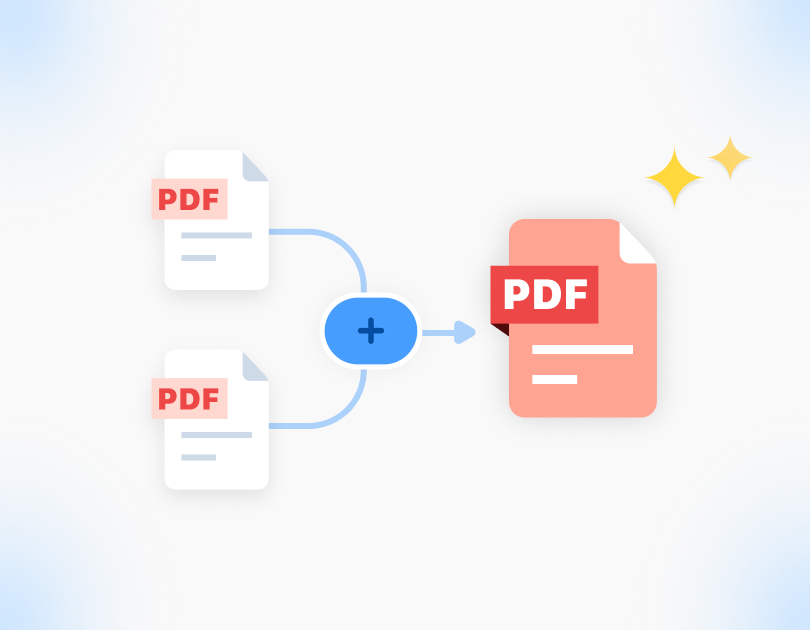
Easily combine multiple PDFs, reorder pages with a simple drag, and download your perfect file in seconds.

Work Across Devices, Everywhere
Beyond our web tools, our app offers even more powerful features to manage and edit your files anytime, anywhere.
FAQ on Merging PDFs
Q: How many PDF files can I merge at once?

A: You can merge multiple PDF files at once with no strict limit on file count. For very large files or batch processing, we recommend the Tiny Scanner app for faster performance and greater stability.
Q: Does merging reduce document quality?
A: No. Merging PDFs with Tiny Scanner preserves the original resolution and formatting. Your merged file will look exactly like the originals, with no quality loss.
Q: Is it safe to merge PDFs online?
A: Yes. Your files are secure. They are fully encrypted during processing and deleted automatically afterwards. Please remember to download and save your files.