


Compress PDF Online for Free
Reduce PDF file size in seconds with Tiny Scanner’s free online compressor. No sign up, just upload, compress, and download.

Your privacy is protected by Tiny Scanner. Files are automatically deleted after processing.


Get the Full Power on Your Phone
Download Tiny Scanner to edit PDFs
wherever you are.




How to Compress a PDF File Online
Follow these steps to reduce your PDF document's size
- 1.
Click "Select a PDF" or drop your file into the drop zone.
- 2.
Choose your preferred compression level.
- 3.
Click "Compress" and wait a moment while we process your file.
- 4.
Download your compressed PDF file.
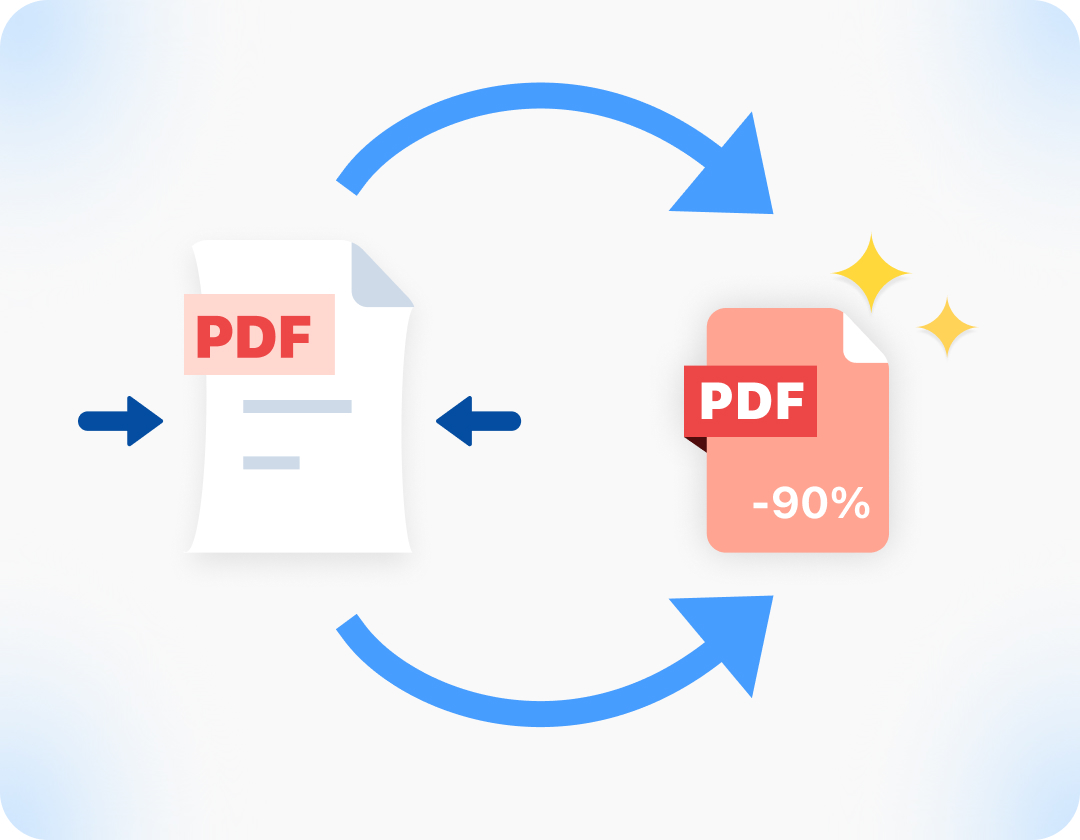
Why Compress PDF Files with Tiny Scanner?

No Subscription Needed
Compress any PDF for free right in your browser. No sign-up, no subscription, no catch.
Protect Your Privacy, Always
Documents are encrypted and automatically deleted from our servers after processing.
Compress in Seconds
Shrink your PDF size online, or use the Tiny Scanner app on iOS or Android to compress and share files directly from your phone.

Highest Quality
Get the smallest file size with maximum clarity. Our smart compression perfectly balances high-quality visuals and low storage space.
FAQ on PDF Compression
Q: How much will the file be compressed?

A: After you upload a file for compression, we will provide three options: High, Medium, and Low. You can choose based on your needs.
Q: Can I compress PDFs on my phone?
A: Yes. Download the Tiny Scanner app for iOS or Android to compress, scan, and share PDFs directly from your phone with just a few taps.
Q: Is it safe to convert PDF files online?
A: Yes. Your files are secure. They are fully encrypted during processing and deleted automatically afterwards. Please remember to download and save your files.