


Book scanning is the process of converting physical books into digital files (PDFs) and it offers a transformative solution to the challenges posed by limited space and the need for easy access to information in today's digital age. In this blog post, we will explain the benefits of book scanning and provide a step-by-step guide on how to use the Tiny Scanner app to digitize your book.
Benefits of Book Scanning

Convenient Access to Study Materials: By scanning books into PDF files, you can easily carry your entire library on a single device, providing you with easy access to your study materials anytime, anywhere.
Efficient Organization of Book Notes: With book scanning, you can create high-quality digital copies of important pages and annotate them directly on your device, allowing for better organization and protecting the integrity of borrowed books.
Space Optimization: Scanning your books can help you reclaim valuable space in your home or backpack, providing a lightweight and portable solution to carrying multiple volumes.
Embracing Paperless Education: Book scanning plays a vital role in supporting paperless teaching, allowing educators to convert teaching materials, handouts, and textbooks into PDF files, thus reducing paper waste.
How to Scan Books

Step 1: reserve Book Integrity: Use non-destructive book scanning techniques, such as specialized book scanners, to keep the book spine and pages safe.
Step 2: Achieve Clearer and More Complete Scans: If you want a full-book scan, you'll need to unbind and remove the pages, which takes more time but results in clearer and more complete scans.
Advantages of Scanning Books

Annotating Publicly Borrowed Books: Scanning allows users to take notes on borrowed books without damaging the original copies, ensuring the preservation of the book's content.
Enhanced Searchability: Digital scanning enables users to search for specific keywords, eliminating the need for color-coded sticky notes and enhancing the efficiency of information retrieval.
Portability and Convenience: With scanned books stored on electronic devices, users no longer need to worry about forgetting to bring physical books, offering convenience and easy access wherever they go.
Facilitating Collaborative Work: Scanned books can be easily shared among multiple users, facilitating seamless collaboration and integration of ideas for improved productivity.
Considerations for Book Scanning
Define Scanning Objectives: Figure out your scanning goals beforehand to avoid unnecessary scans and streamline the process.
Utilize Appropriate Tools: Use tools like Tiny Scanner to quickly scan using your smartphone and efficiently obtain clear PDF files.
Integrate Results: Compile comprehensive PDF files by consolidating scanning outcomes using Tiny Scanner.
How to Scan Books with Tiny Scanner
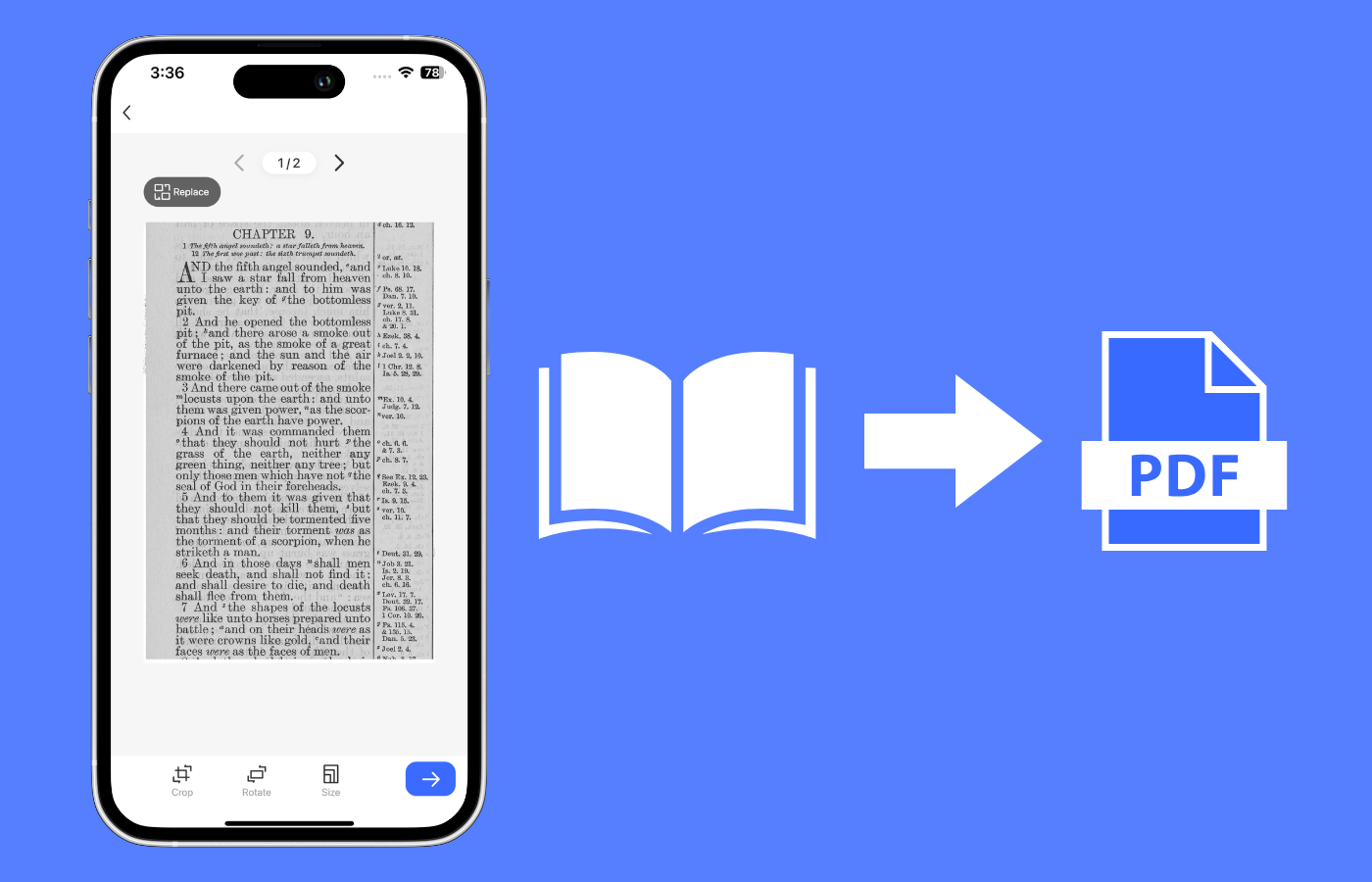
To scan your books with the Tiny Scanner app, follow these simple steps:
1. Open the Tiny Scanner app and select the "Book" scanning mode.
2. Choose between single-page or double-page scanning based on your preference.
3. Align your device with the page edges, ensuring the entire content is captured, and tap the capture button to scan.
4. Adjust the scanning settings to achieve the best results.
5. Once you have completed scanning the book or desired pages, export and save the scanned images as a PDF file.
In conclusion, book scanning is a transformative solution that empowers individuals to digitize their libraries, making education and information more accessible. With the Tiny Scanner app, the process becomes seamless and efficient, allowing you to scan books with ease. Embrace the power of book scanning and revolutionize your reading experience in the digital age.