



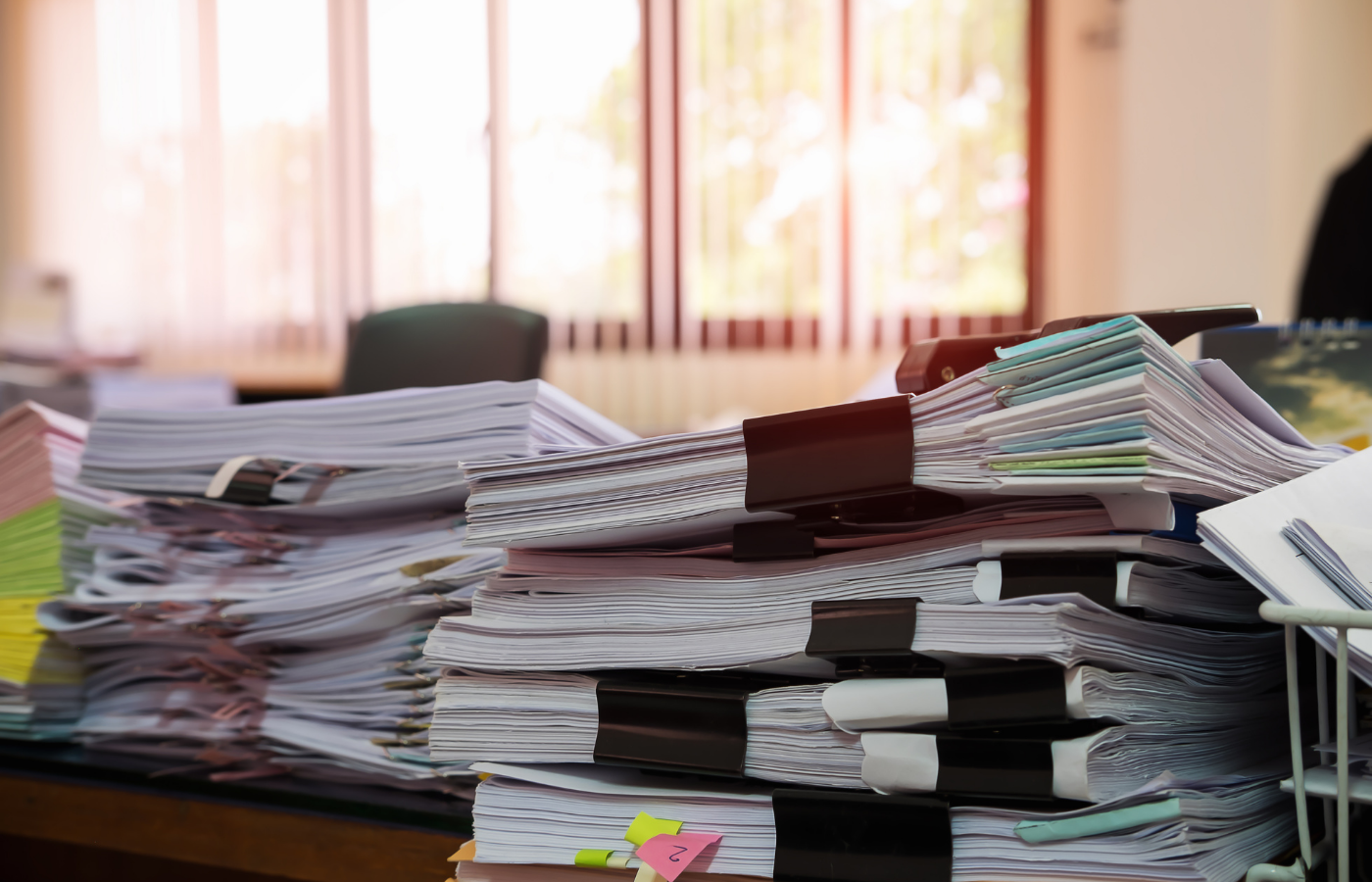
In modern life, we are often surrounded by numerous documents that need to be handled. Whether it's important contracts for work, study materials for school, documents related to buying or renting a house, application materials, or insurance documents, the sheer volume can be overwhelming. Facing this clutter, we often feel at a loss and find it difficult to quickly locate the specific document we need.
The Challenges of Document Handling
Company Documents: Important contracts, financial reports, and employee records need to be meticulously managed.
School Materials: Course notes, assignments, and research materials are numerous and complex.
House Buying/Renting Documents: Various contracts, certificates, and bills are crucial and easy to misplace.
Application Materials: Job, school, and visa application materials need to be meticulously prepared and preserved.
Insurance Documents: Various policies and claim documents are often hard to find after a while.
If these documents are not effectively managed and archived, they can cause confusion and waste a lot of time and effort when needed.
Tiny Scanner Helps You Find the Documents You Need Faster
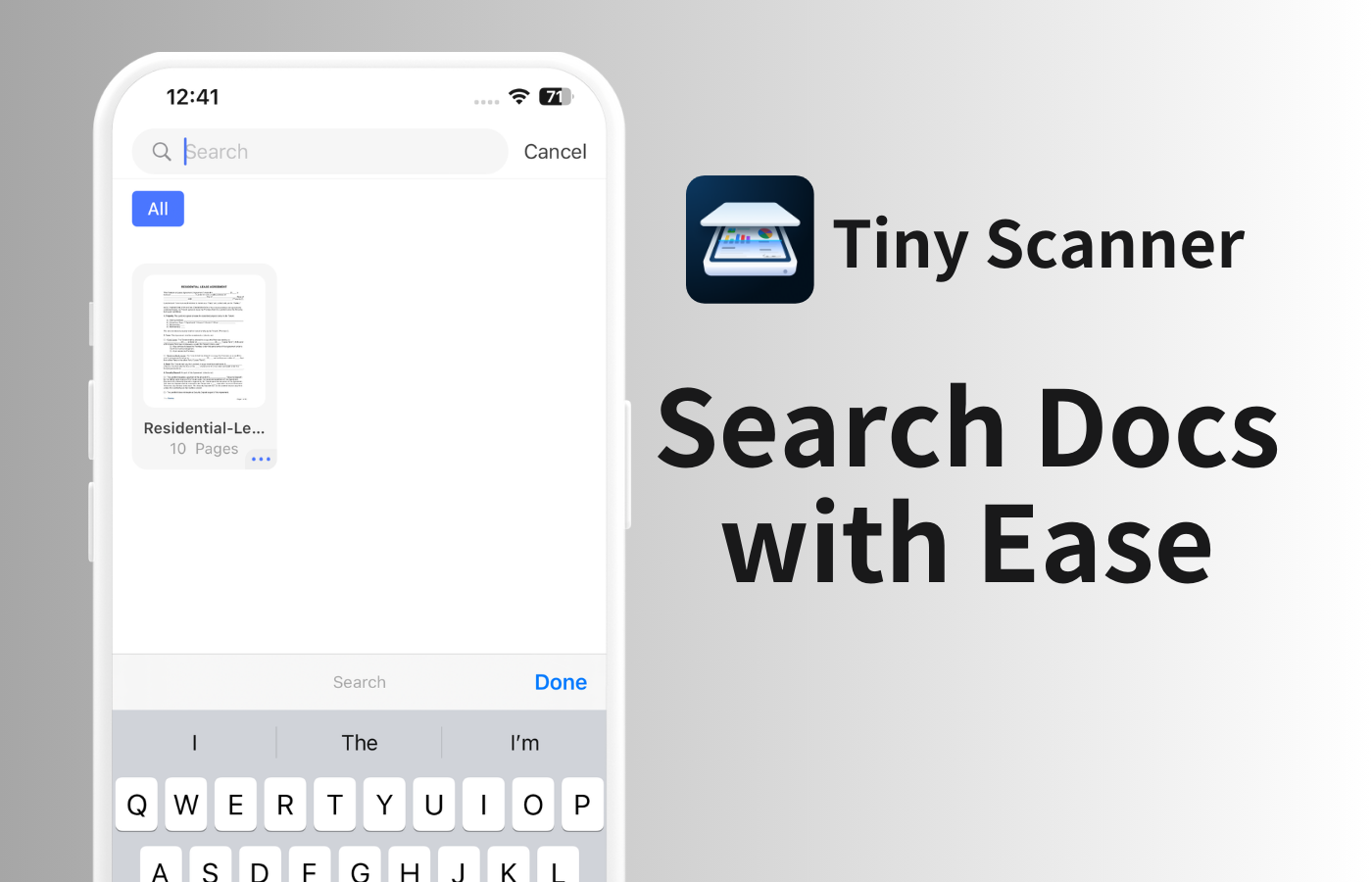
Create Folders to Organize Your Documents
With Tiny Scanner, you can create different folders to categorize various documents, such as company files, school materials, and rental documents. A well-structured folder system makes document management more organized and easier to find.
Steps: In Tiny Scanner, create new folders, name them according to the category, and place the related documents in the appropriate folders.
Name Your Files by Content, Number, or Date
To quickly find the documents you need, name them by content, number, or date. Good naming habits can greatly improve the efficiency of document retrieval.
Naming Method: For example, company contracts can be named "2024_Contract_ClientA"; school materials can be named "2024_Math_Week5Notes"; rental contracts can be named "2023_Rental_Contract_1".
Log in to Get Free Cloud Storage Space and Sync Your Files Across All Devices
To avoid losing documents, Tiny Scanner offers free cloud storage. You can upload scanned documents to the cloud and sync them across all your devices. This way, even if you lose your phone or switch devices, you don't have to worry about losing your documents.
Benefits of Cloud Sync
Secure Storage: Files are stored in the cloud, so you don't have to worry about losing them due to device damage.
Access Anytime, Anywhere: As long as you have internet access, you can access and manage your files on any device.
Automatic Backup: Files are automatically backed up to the cloud, ensuring data security.
Conclusion
By using Tiny Scanner, you can efficiently manage and archive various documents. By creating folders, naming files appropriately, and utilizing cloud storage, you can quickly find the documents you need anytime, anywhere, avoiding the chaos of disorganized files. Tiny Scanner not only improves document management efficiency but also ensures the security and convenience of your files.