


Tiny Scanner makes it easy to capture high-quality digital copies of your documents, photos, and artwork. With our versatile filter and contrast features, you can fine-tune your scans for optimal clarity and appearance.
Available Filters
Choose from four different filters to enhance your scanned documents:
Color: Preserves original colors, perfect for photos and artwork.
B&W: Classic black and white for clear, high-contrast documents.
Photo: Original, unprocessed image.
Grayscale: A smooth grayscale option for softer monochrome scans.
Why Use Filters and Contrast?
Our advanced filtering system helps you achieve professional-quality scans in any situation:
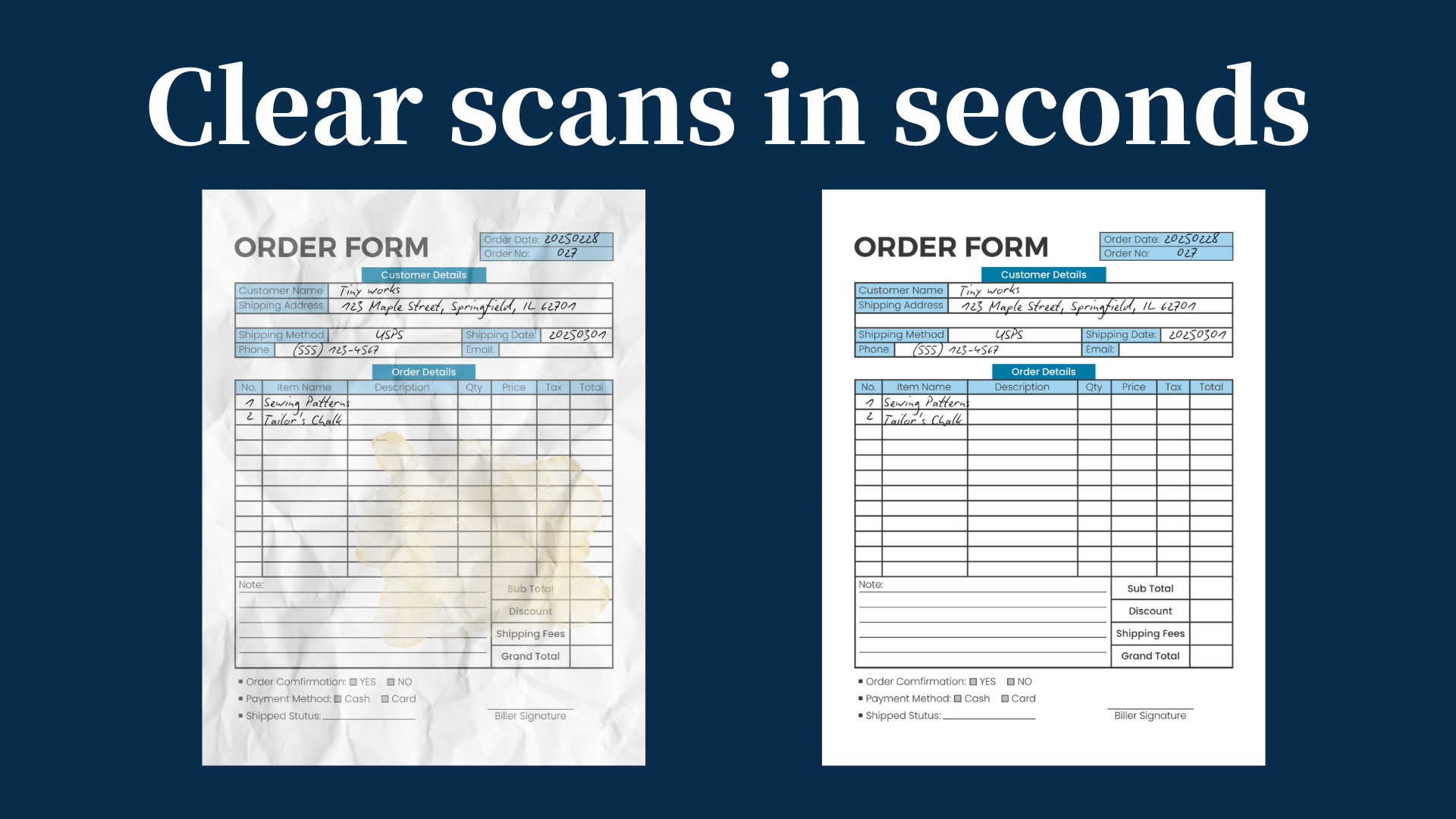
Sharper Text: Get crisp, professional documents every time. Filters automatically remove shadows, stains and wrinkles while enhancing faded text. Perfect for receipts, contracts and handwritten notes.
Better Photo Scans: Preserve memories with true-to-life colors. The Color filter keeps photos vibrant. Ideal for family albums and artwork.
Customizable Results: Find the perfect look for every scan. Switch between filters, and adjust contrast to create printer-ready documents. Great for both casual and professional use.
How to Use Filters and Contrast?
You can apply filters in two ways:
- While creating a scan: Adjust the filter before saving your document.
- After scanning: Go to the details page of any saved scan and change the filter as needed.