


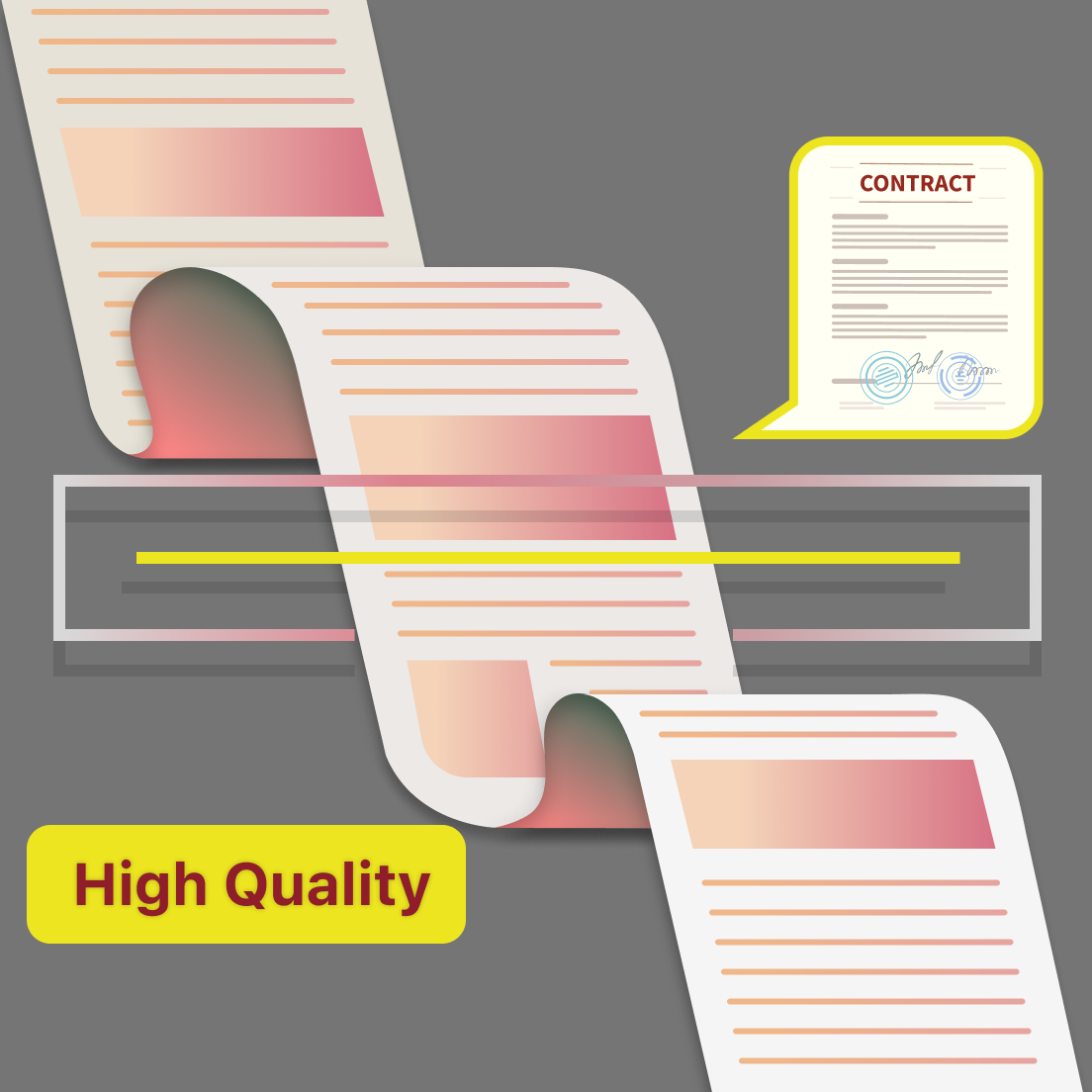
Traditional scanner machines have been a staple in offices and homes for years, allowing users to convert physical documents into digital files. However, the process of using a traditional scanner machine can be complex and time-consuming. Moreover, traditional scanner machines are not always readily available for use, making it inconvenient for users who need to scan documents on the go.
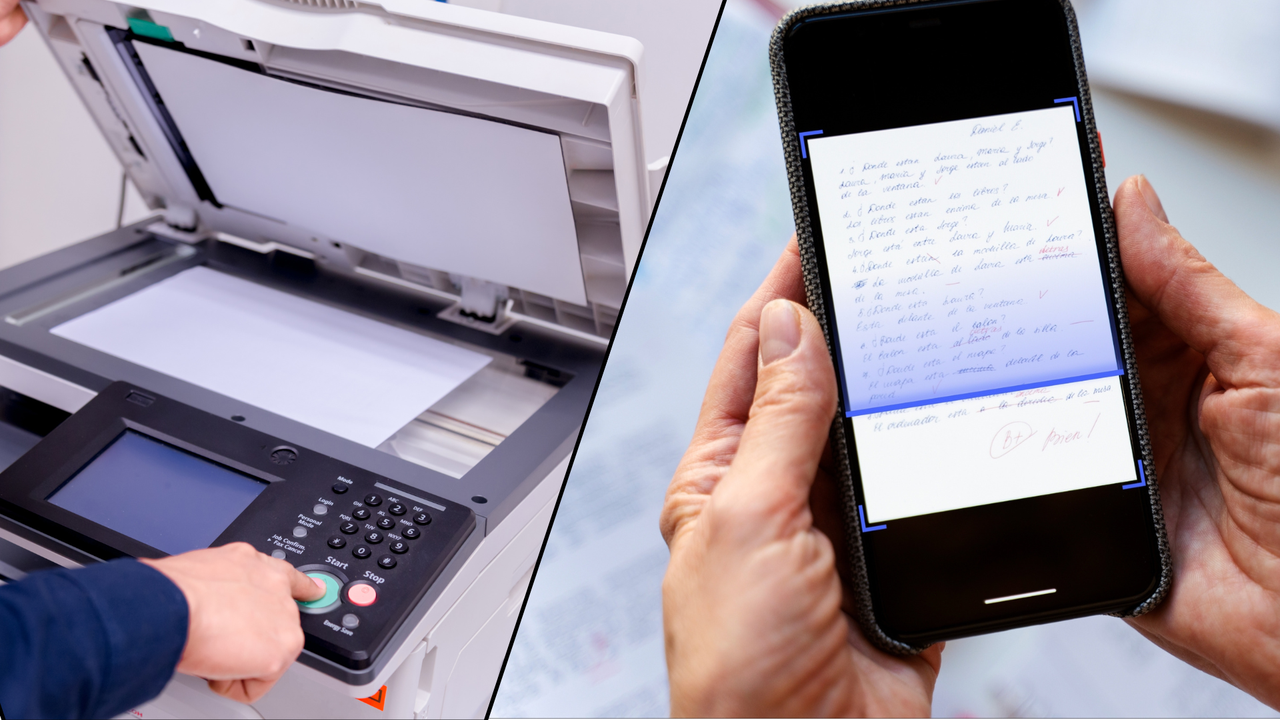
On the other hand, scanner apps have gained popularity in recent years due to their convenience and ease of use. With just a few taps on a smartphone or tablet, users can easily scan and digitize documents anytime and anywhere. However, while scanner apps offer convenience, the effectiveness of these apps can vary greatly. If you've been struggling with blurry or low-quality scans, it may be time to reevaluate your scanner app and techniques.
Tiny Scanner: A Scanner App with Accurate & Exact Scan Quality
Tiny Scanner is a decade-long trusted scanner app which takes a leading position in terms of scan quality. Not only does Tiny Scanner provide accurate and exact scan quality, but it also excels at flattening out curls in paper and ensuring that text is placed proportionally on the page. Additionally, Tiny Scanner has the capability to remove stains or blemishes from scanned documents, leaving you with clean and professional-looking results.

One of the key advantages of Tiny Scanner is that it has five levels of contrast and six scanning modes, including de-shadow, smart black&white, color, black&white, photo, and grayscale. This allows you to choose the most suitable setting for your document to ensure the best scan quality.
Three Steps to Achieve High-Quality Scanned Documents with Tiny Scanner
Let me show you three simple steps to achieve accurate and high-quality scanned documents with Tiny Scanner.
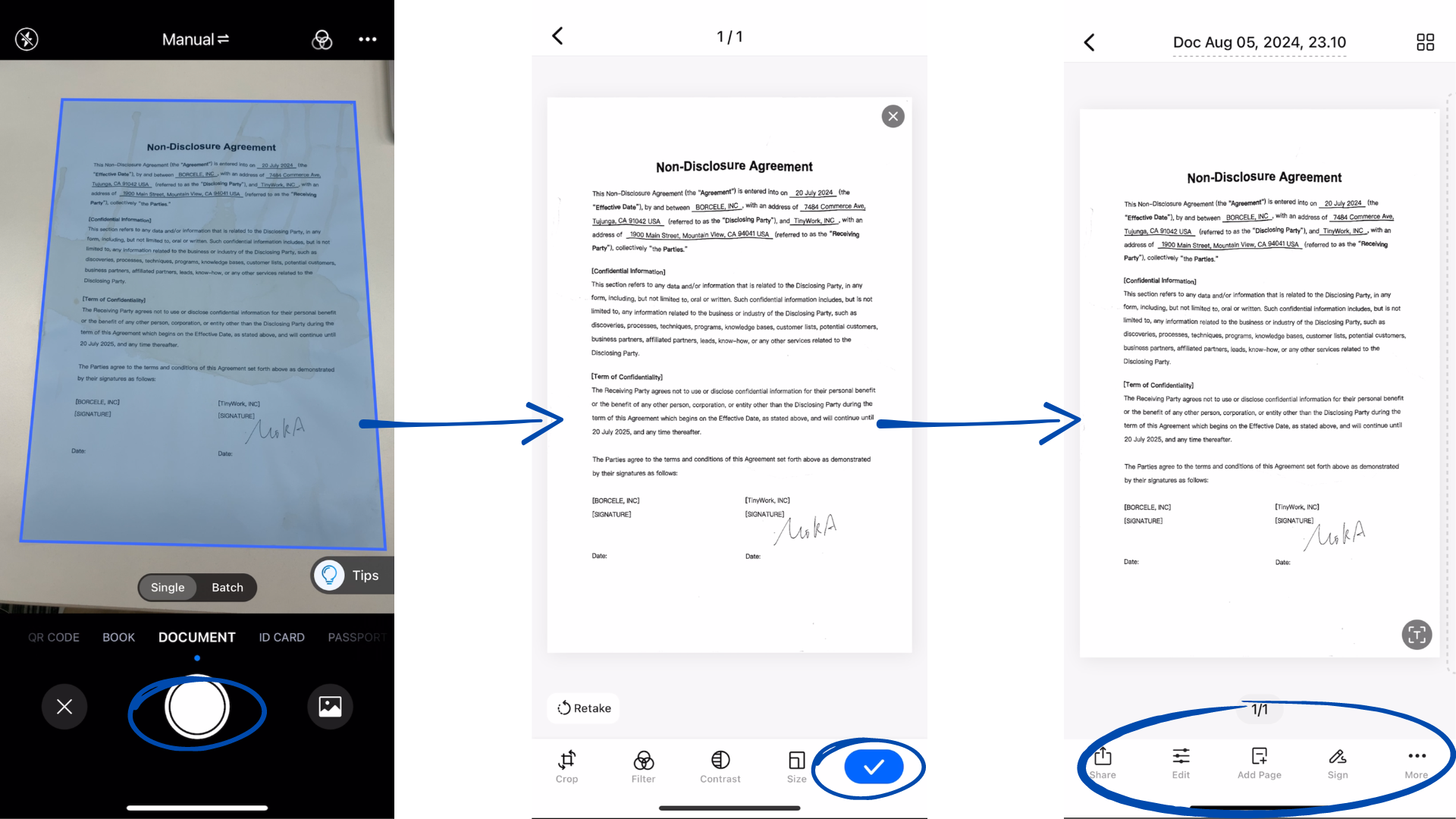
Step 1: select the document type you are scanning, and tap the Scan button to get the scanned document.
Step 2: tap the Done button to save the scanned document to a PDF.
Step 3: use the other tools to make changes to the PDF.