



Do you often find it overwhelming and time-consuming to keep track of all your receipts and invoices? Although many receipts are made available by email or text message, we still find ourselves dealing with numerous paper receipts from various sources. These receipts come in a variety of shapes, lengths, and sizes, making it difficult to organize and store all the receipts. Moreover, the text on some receipts tends to fade over time, adding to the challenge of keeping track of important information.
Scan All Your Receipts to PDF Files and Store Them in a Digital Folder
One effective solution to tackle this issue is to scan all your receipts to PDF files with a scanner app and store them in a digital folder. This way, when you need to find a specific receipt, you can simply search for it within your digital archive.
Tiny Scanner: An Ideal Scanner App for Organizing Receipts
I recommend using the "Tiny Scanner" app for this purpose. Its user-friendly interface and clear scanning capabilities make it ideal for organizing receipts. All you need to do is scan your receipts into PDF format, rename them with the date and item name, and save them in a dedicated receipt folder.
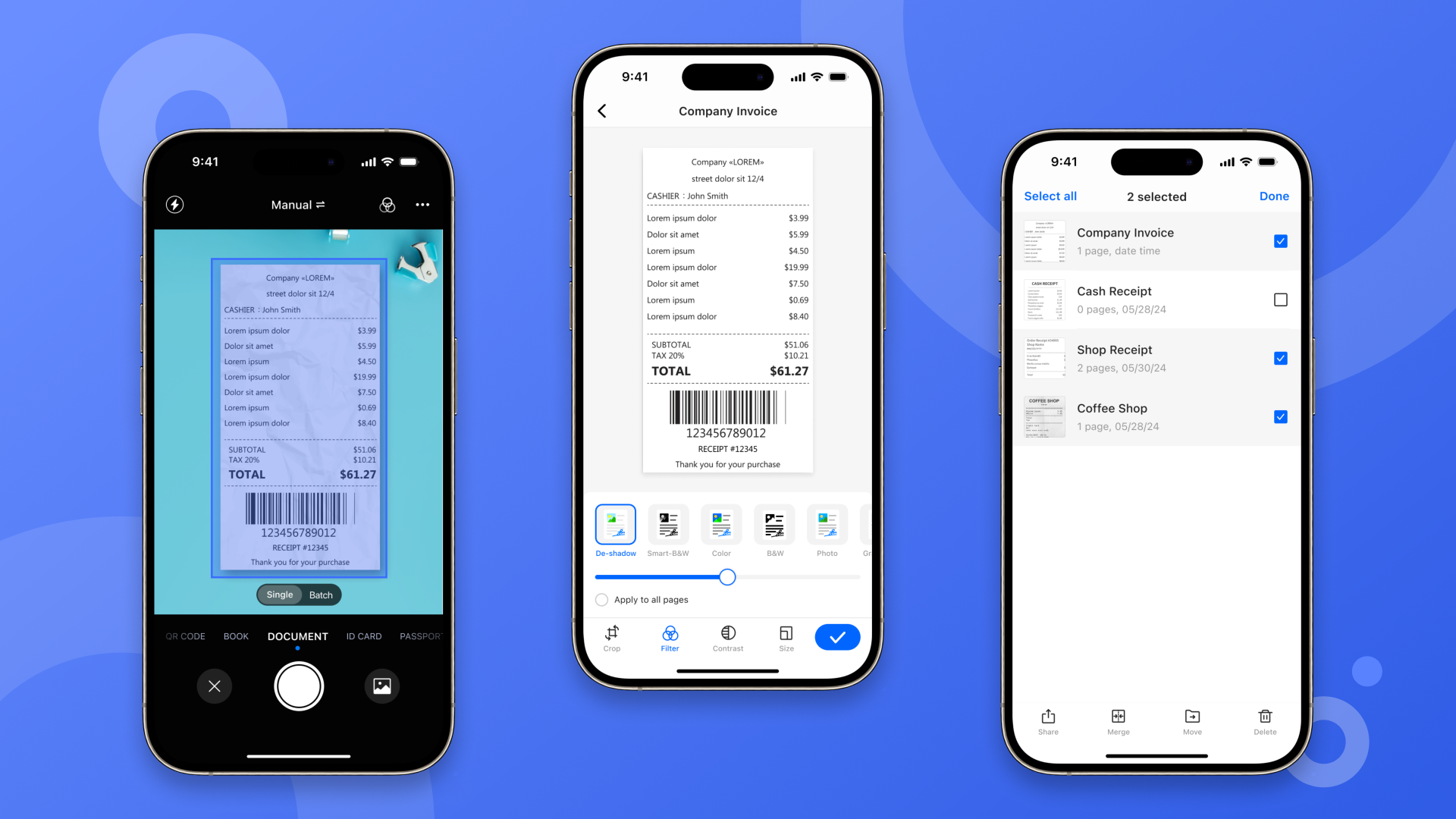
Once you have scanned and organized your receipts, you can store them by year in folders and keep them in a secure location. Since you have digitized them, you can easily search for any receipt you need by using keywords in the Tiny Scanner app.
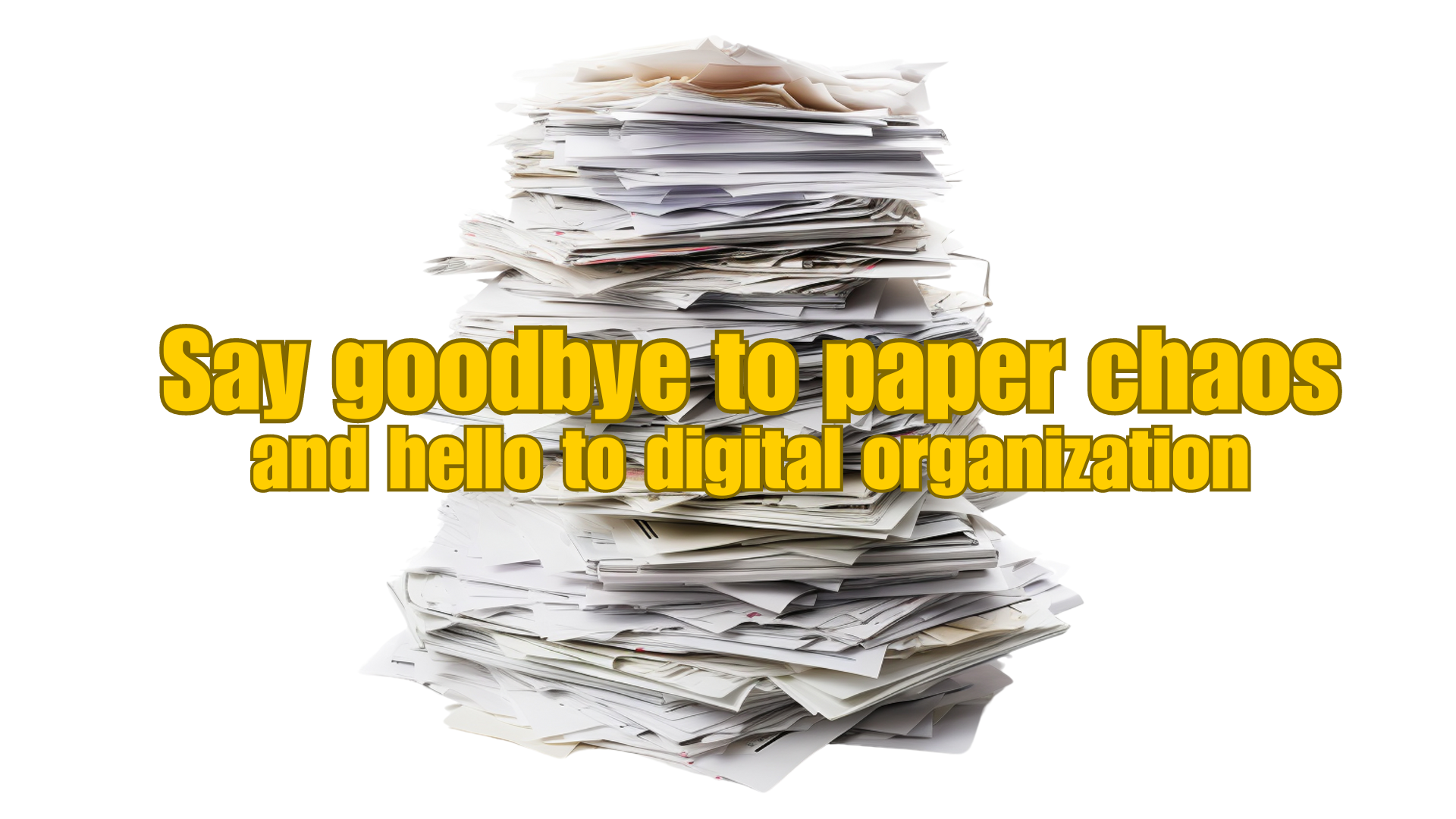
Say Goodbye to Paper Chaos and Hello to Digital Organization
By adopting this method, you can say goodbye to the hassle of sorting through piles of paper receipts. Embrace the convenience of digitizing your receipts and enjoy the ease of accessing them whenever you need to.
In addition to receipts, you can also use Tiny Scanner to organize other paper documents, digitize ID cards and other credentials, and store them in separate folders to keep everything organized digitally and save yourself from paper chaos.