


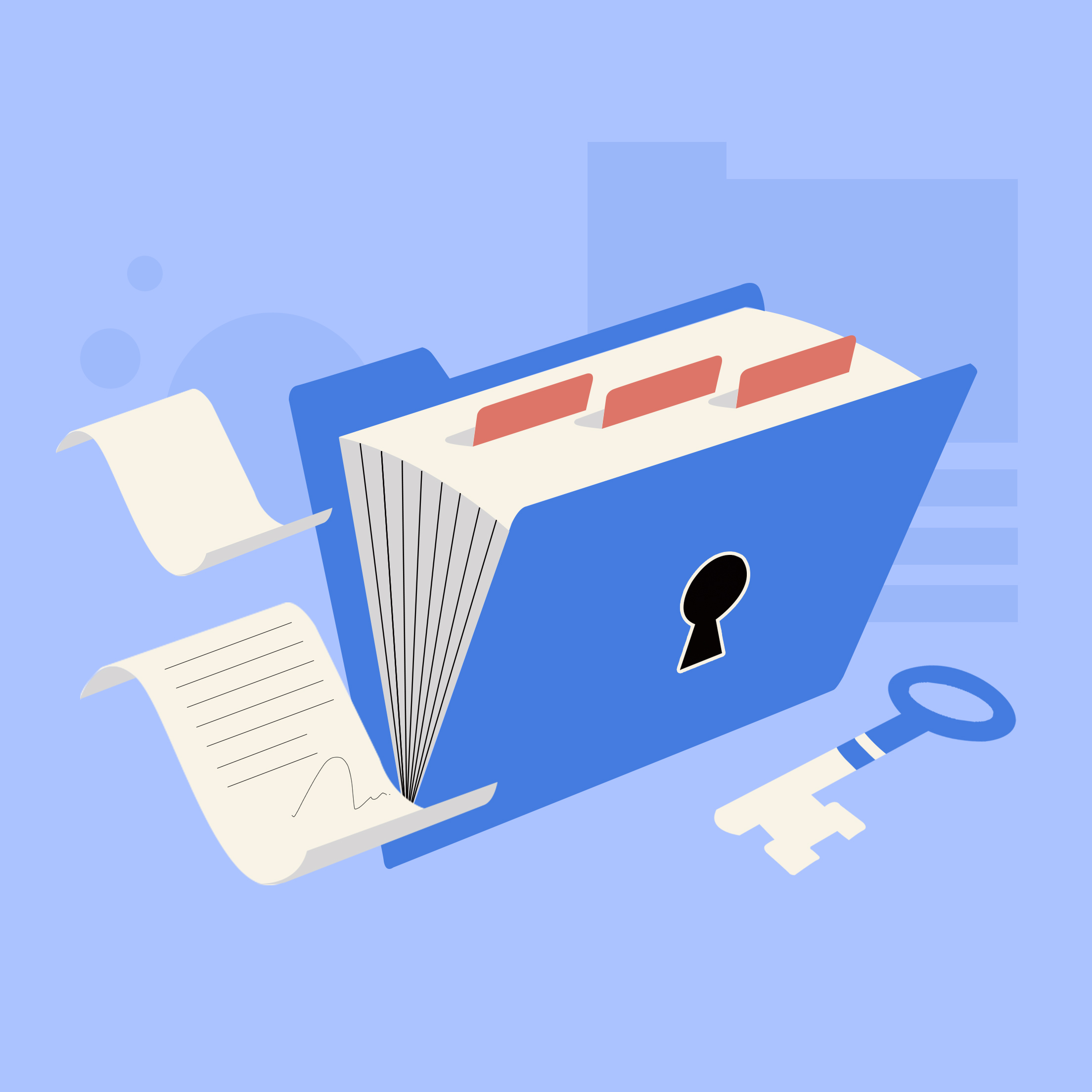
In today's world of work and study, document security has become increasingly important. Whether it's work files, financial records, or personal documents, unauthorized access can lead to unnecessary risks. Many users worry about document leaks, lost devices, or others misusing their data. To address these concerns, Tiny Scanner's Safe Folder feature provides a simple way to protect sensitive files while maintaining efficient management.
What is Safe Folder?
Safe Folder is a local encrypted storage feature provided by Tiny Scanner, designed to keep your documents private and secure. Unlike regular folders, files in Safe Folder are stored only on your device and are not synced with your account or uploaded to cloud services. This ensures your information stays private and reduces the risk of exposure.
It's important to back up any files moved to Safe Folder, in case your device is lost or damaged. Safe Folder is ideal for various scenarios, including work confidential documents, financial records, personal identification, and sensitive notes, helping users keep their information secure in different situations.
How to Create a Safe Folder
Creating a Safe Folder is quick and easy:
- Open the Tiny Scanner app and go to the Library screen.
- Tap on Safe Folder.
- Set a password and confirm it.
Once completed, your Safe Folder is ready to store and manage sensitive files.
Managing Documents in Safe Folder
Safe Folder supports multiple ways to manage your documents efficiently:
Create Subfolders: Organize files by type or purpose to keep them well-structured.
Import Files: Bring in existing documents from other locations on your device.
Move Scanned Files: Move files you've already scanned in Tiny Scanner into Safe Folder.
For better organization, we recommend creating subfolders according to file type or purpose, making it easier to locate and manage your documents.
Tips for Using Safe Folder
Regularly Organize: Periodically clean up and categorize files and subfolders to keep your Safe Folder tidy and easy to navigate.
Scan Directly to Safe Folder: Combine Tiny Scanner's scanning function to save new files directly to Safe Folder, increasing efficiency and reducing extra steps.
Safe Folder is a reliable tool for keeping sensitive files secure. With local encryption and password protection, your documents stay private and protected. Remember, since files are stored only on your device, it's essential to back them up. Try Safe Folder today to enhance both security and efficiency in managing your work and personal documents.