


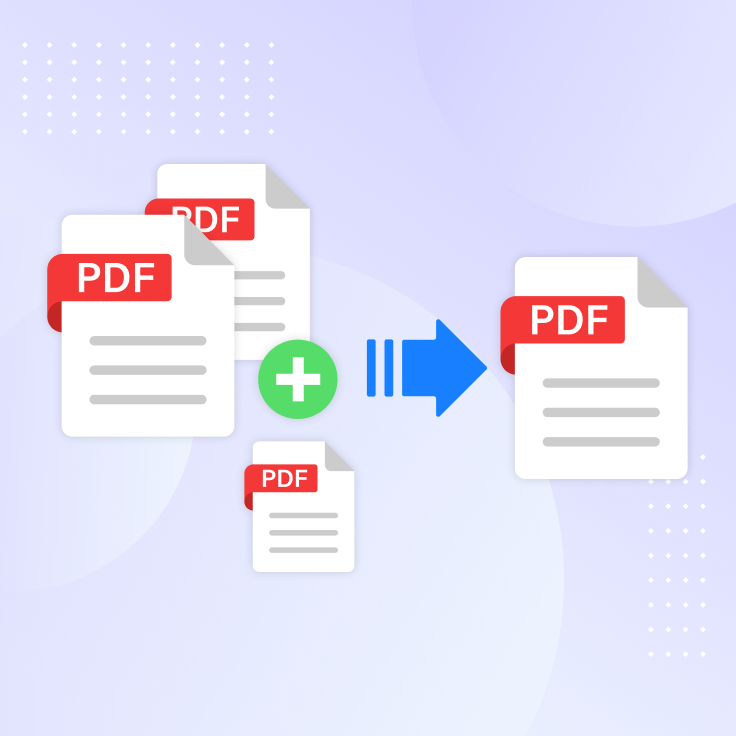
Do you ever find yourself scrolling through multiple PDFs just to locate one specific page? Whether it's invoices, contracts, or class notes, having important documents scattered across different files can quickly become frustrating. Tiny Scanner's Merge feature eliminates that hassle by letting you combine multiple scans into one neatly organized PDF. With this, your workflow becomes smoother, faster, and far more professional.

Why Do You Need to Merge Documents?
Managing scattered documents isn't just inconvenient—it can also hurt your productivity. A freelancer may have a contract in one file and a signed addendum in another. Students might keep class notes, assignments, and references in separate PDFs, making revision harder. Small business owners often juggle receipts and invoices that are stored in different places, complicating reporting. Even in daily life, families planning a trip might keep passports, tickets, and itineraries in different files. Merging documents solves all these problems by keeping everything in one place.
How Tiny Scanner Makes It Easy
Tiny Scanner gives you a streamlined way to merge documents without needing extra tools.
- Combine multiple scans into a single, professional PDF in seconds.
- Reorder pages to ensure your file follows the right sequence.
- Enhance organization by pairing merging with editing, annotations, and watermarks.
- Sync across devices, so your complete file is always accessible in the cloud.
- With these features, you can maintain clarity and control over your documents, no matter how many you need to manage.
- Enhance organization by pairing merging with editing, annotations, and watermarks.
Practical Use Cases
- Freelancers: Merge the main contract with amendments, so clients always receive one complete file.
- Students: Combine notes, handouts, and practice sheets into one study resource.
- Small Business Owners: Collect receipts, invoices, and financial reports into a single PDF for tax filing.
- Families: Keep travel documents—passports, visas, flight tickets—merged together for quick access.
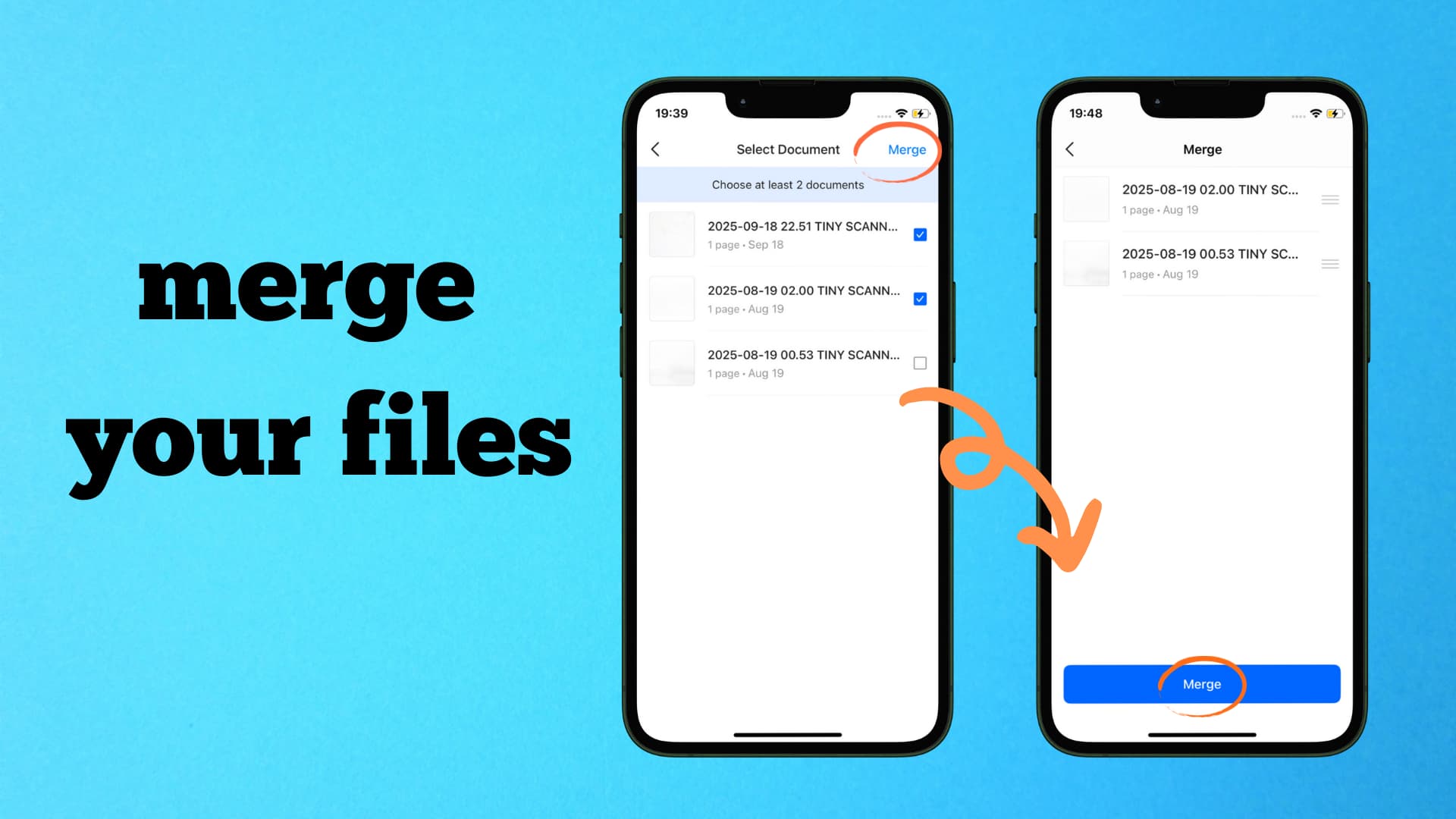
Step-by-Step: How to Merge Files in Tiny Scanner
- On the main screen, tap the Action button at the bottom, then choose Merge.
- Select two or more files you want to combine by checking the boxes on the right.
- After selecting, tap Merge in the top-right corner to proceed.
- Drag the three-line icon of each file to reorder them. Once arranged, tap Merge at the bottom to finalize.
Managing documents doesn't need to be complicated. With Tiny Scanner's Merge feature, you can keep all your important pages together, making your workflow faster, cleaner, and more efficient. Download Tiny Scanner today and simplify the way you manage documents.