


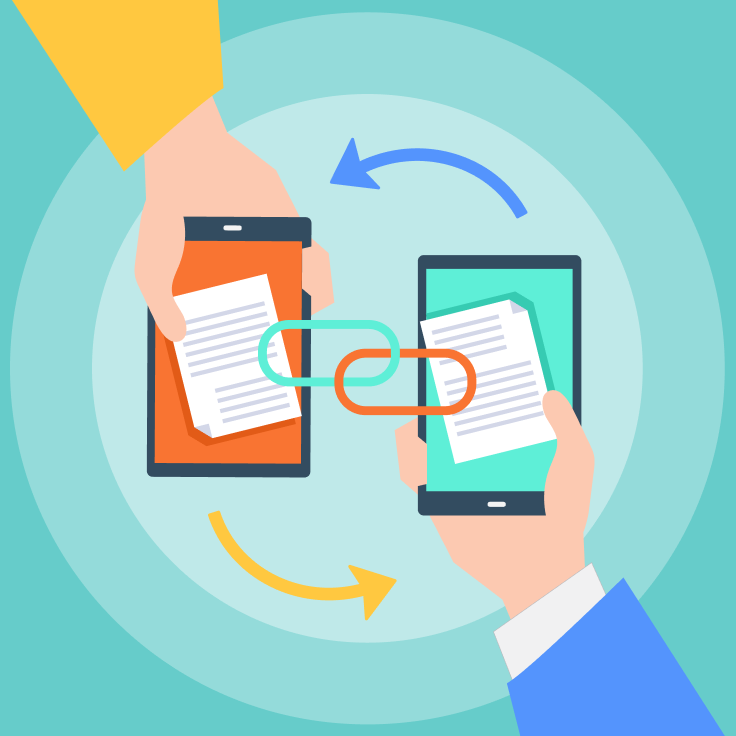
You've just scanned an urgent contract that needs your client's signature by noon. But your email bounces back—"Attachment size exceeded". You scramble to upload it to the cloud, only to realize your recipient doesn't remember their login details. Sound familiar?
In a world where time is currency and privacy is priceless, document sharing shouldn't feel like solving a puzzle. That's why we're redefining simplicity with Tiny Scanner's Sharelink — a feature that turns what used to be a 5-step headache into a 2-tap triumph. No more bulky attachments, no more "check your spam folder", and definitely no more password-reset emails.
What is Sharelink?
Sharelink is a smart, secure, and user-friendly way to share scanned documents without bulky email attachments or third-party cloud storage logins. With just a few taps, users can generate a unique link to their scanned file, send it to anyone, and let recipients choose how they want to access the document — directly in their browser or within the Tiny Scanner itself.
How Does Sharelink Work?
Here's a step-by-step breakdown of this feature:
Step 1: Scan & Save
Fire up Tiny Scanner and scan your document using its AI-enhanced camera. Once satisfied with the crisp results, save it directly as a high-quality PDF — the universal format for professional sharing.
Step 2: Generate a Sharelink
Tap the Share button at the bottom of the details page, and choose the "Link" option. Select this instead of traditional methods like email or messaging apps.
Step 3: Share with anyone
Send the link via email, messaging apps, or even SMS. No need for recipients to have Tiny Scanner installed.
Step 4: Recipient's experience
When the link is opened, it redirects to a page where your recipients can access the document. Option 1: Download the document immediately with one click. Option 2: Tap "Open in App" to launch the file directly in Tiny Scanner (if installed).
Why Sharelink Stands Out?
Traditional document-sharing methods come with friction. Email attachments clog inboxes, cloud storage requires logins, and compatibility issues often arise. Sharelink solves these pain points with:
No Accounts Required: Recipients access files instantly — no sign-ups or app downloads needed.
Cross-Platform Flexibility: Works flawlessly on mobile (iOS/Android) and desktop browsers.
App Integration: For Tiny Scanner users, the "Open in App" feature creates a seamless workflow. Documents open instantly in the app, where they can be edited, organized, or saved to local folders.
Real-World Use Cases
Business Professionals: Share contracts or invoices with clients who can review, sign, and save files directly to their device — no printing required.
Students & Educators: Distribute lecture notes or assignments via a single link. Recipients can choose to view them in-browser during commutes or save them to the app for offline access.
Families & Friends: Digitize and share old photos, recipes, or travel itineraries without worrying about file size limits.
Try Sharelink Today
Say goodbye to clunky attachments and hello to smarter sharing. Whether you're collaborating globally or sharing weekend plans with friends, Sharelink ensures your documents are always just a click away—secure, simple, and streamlined.
Ready to experience the future of document sharing? Update Tiny Scanner to the latest version and tap the Sharelink icon next time you scan!